Customer Management
Manage customer-related settings in RAD Repairs. This admin panel is where you maintain the list of referral sources shown when adding new customers.
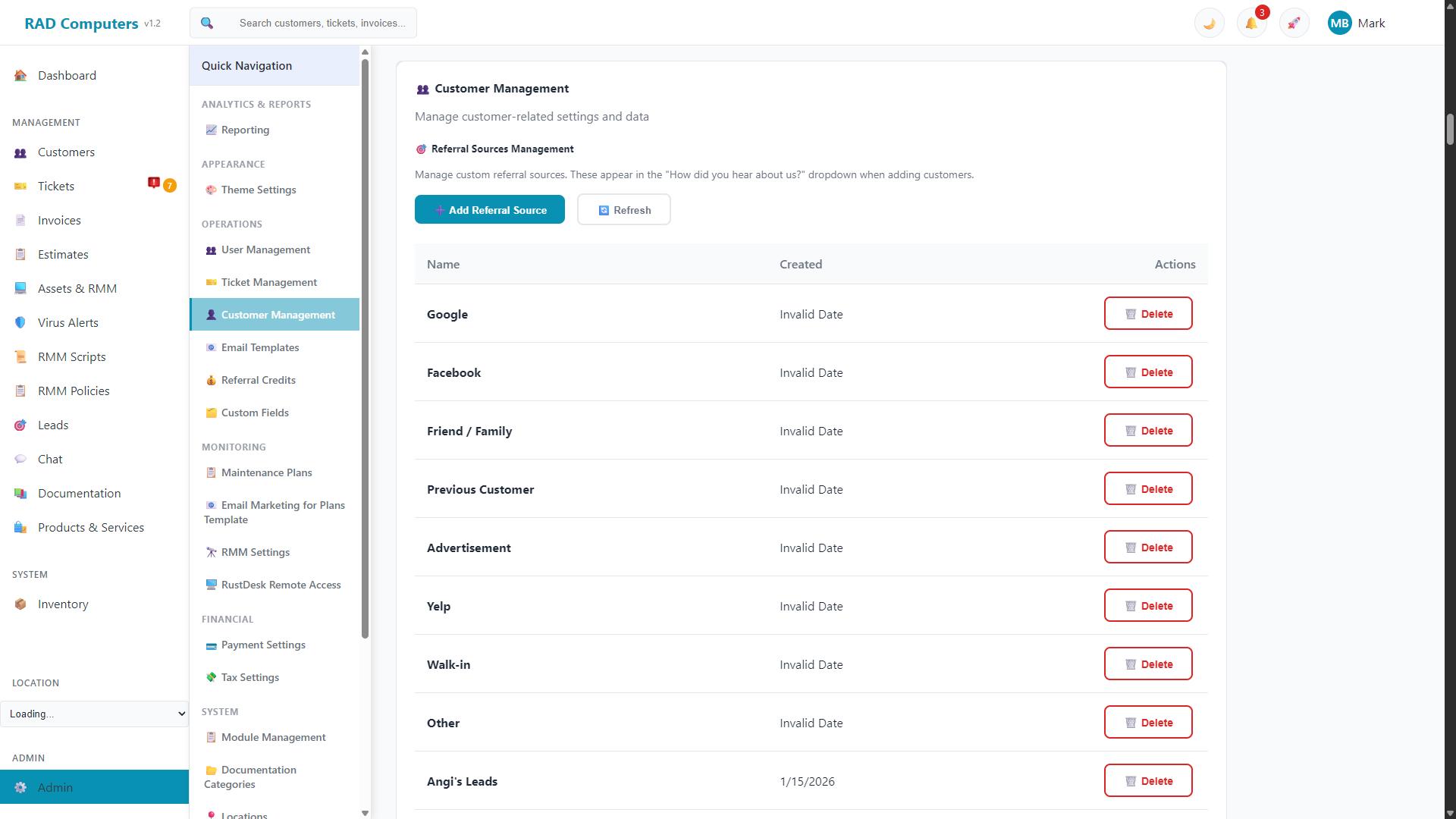
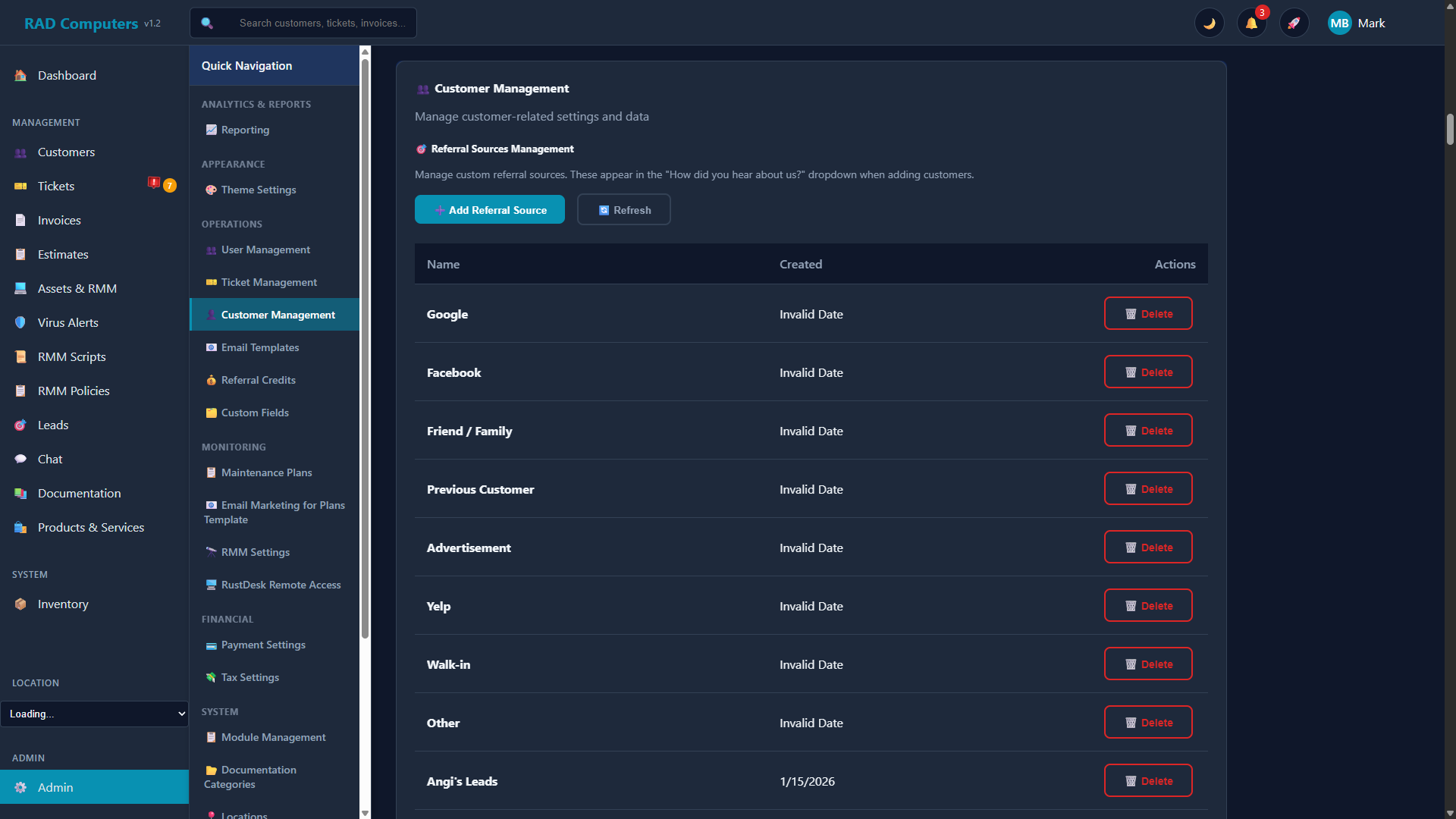
The Customer Management panel is where you manage referral sources for the "How did you hear about us?" dropdown
Overview
The Customer Management section of Admin Settings contains Referral Sources Management. Referral sources are the options that appear in the "How did you hear about us?" dropdown when you add a new customer, so you can track where your business comes from.
Managing Referral Sources
From the Customer Management panel you can:
- Add Referral Source - Click the Add Referral Source button and enter a name (for example, "Google Ads", "Facebook", or "Yard Sign"). The new source immediately appears in the customer forms.
- Refresh - Reload the list to pick up recent changes.
- Delete - Custom sources you have added can be deleted from the list. Deleting a source removes it from the dropdown but does not change customers that already have it recorded.
Tip: Referral sources are for tracking marketing channels. If a customer was referred by another customer, use the built-in customer referral feature instead - it can automatically award store credit to the referrer. See Referral Credits.
Where Other Customer Settings Live
Most day-to-day customer work happens outside this panel:
- Customer records - Created and managed on the Customers page, including contacts, credentials, folders, and store credit.
- Custom fields - Add extra fields to customer records under Custom Fields.
- Referral credits - Configure how much store credit customers earn for referrals under Referral Credits.
Need Help with Customer Management?
If you have questions about configuring customer settings or need assistance, our support team is here to help.
Contact Support