RMM Settings
Configure the branding, defaults, and billing behavior of your RMM - including the accent color and company info shown to end users in the tray app, the default plan and policy for new assets, asset approval, and RustDesk remote access.
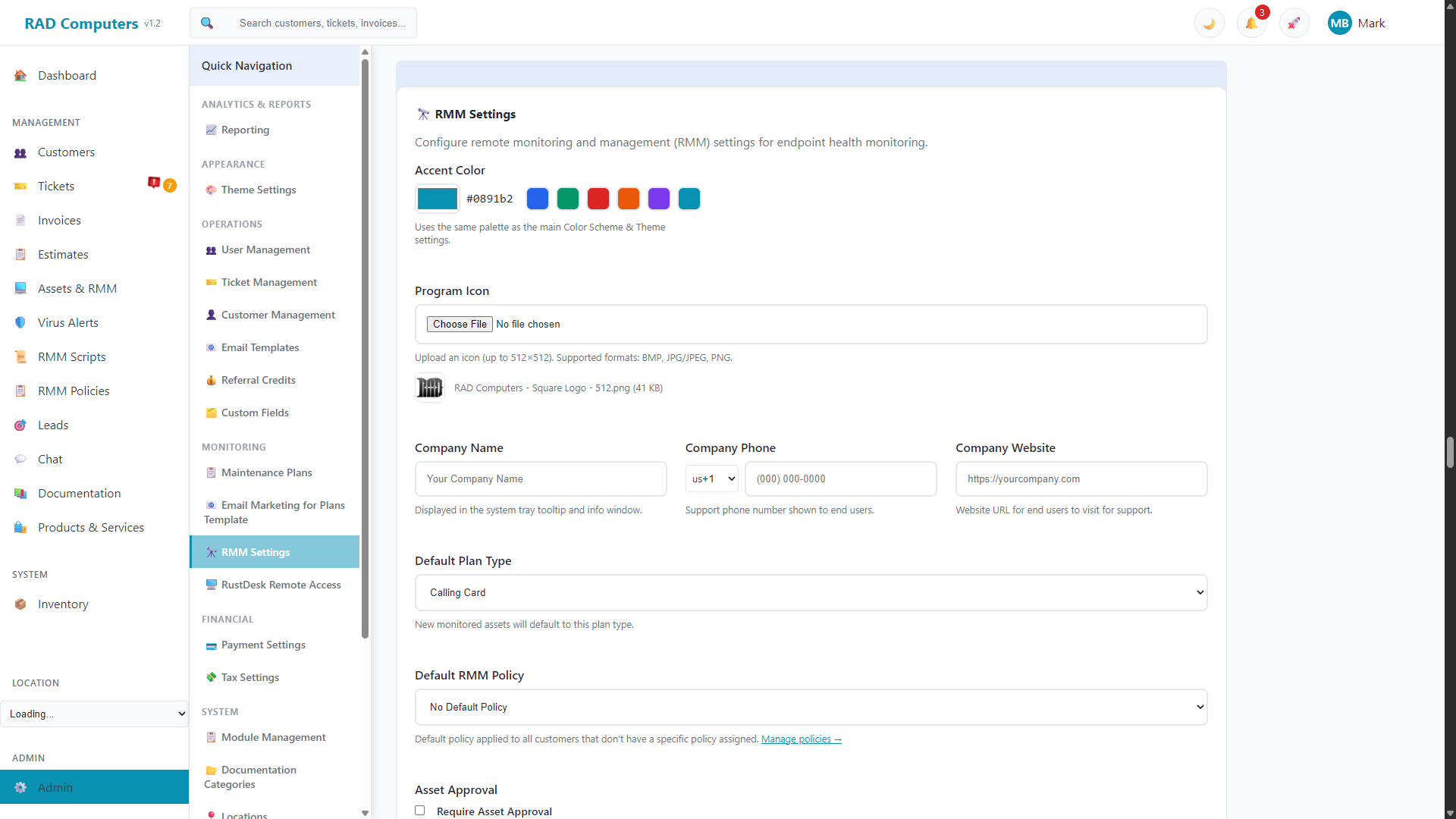
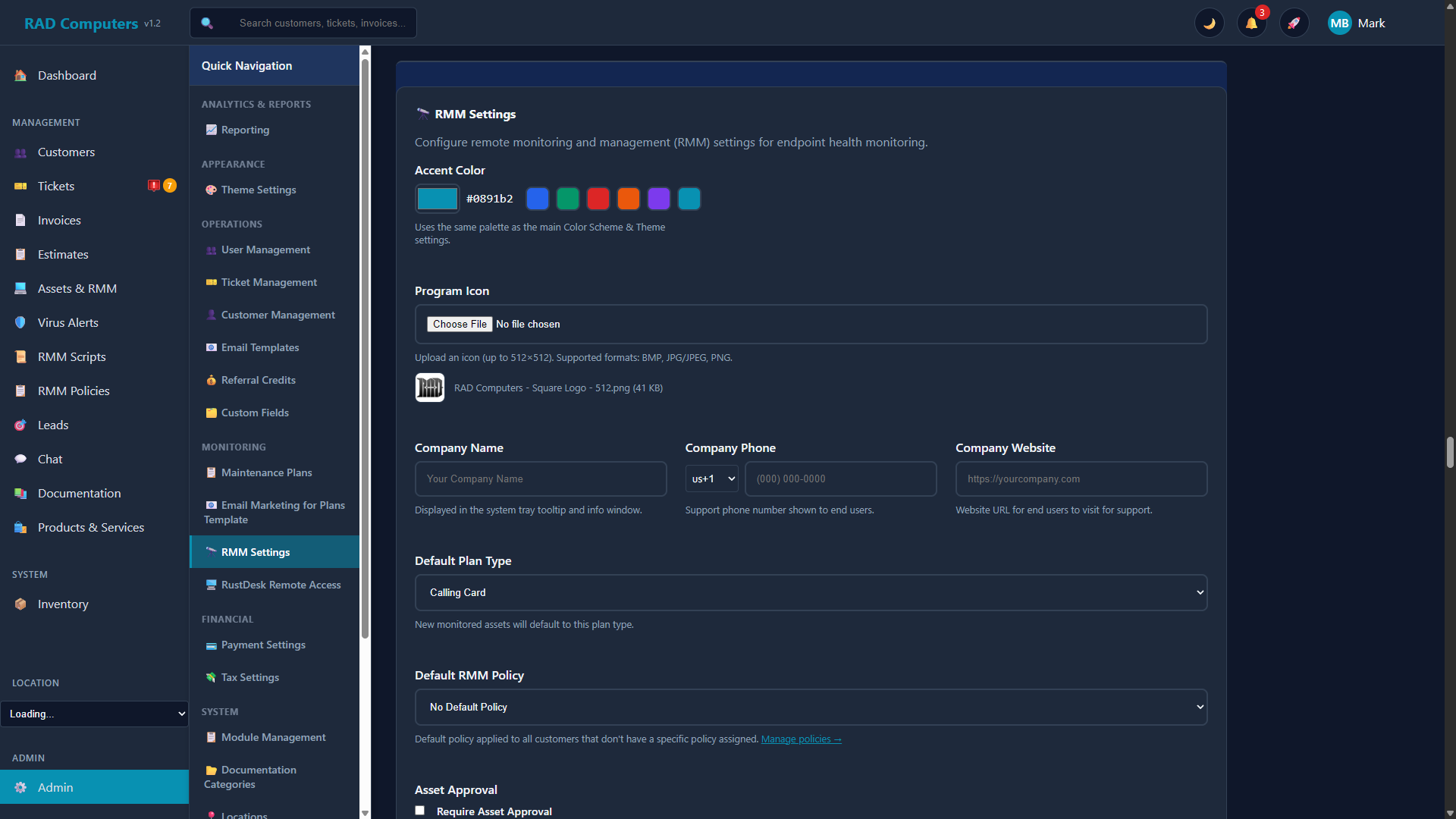
The RMM Settings panel controls RMM branding, defaults, asset approval, and plan billing behavior
Overview
The RMM Settings panel in Admin Settings controls how your RMM looks to end users and how new assets are handled:
- Accent Color - Branding color used by the RMM, with the same preset palette as your main theme settings
- Program Icon - Custom icon shown by the endpoint tray app (BMP, JPG/JPEG, or PNG, up to 512×512)
- Company Information - Company name, support phone number, and website shown to end users in the system tray tooltip and info window
- Default Plan Type - The plan new monitored assets default to: Calling Card, Bronze, Silver, or Gold
- Default RMM Policy - The policy applied to customers that do not have a specific policy assigned
- Asset Approval - Require newly enrolled assets to be approved, with an option to auto-approve assets checking in from known IP addresses
- Thumbnails - Optionally disable asset screenshot thumbnails so the agent never uploads or displays them
Where the branding shows up: The program icon, accent color, company name, phone, and website are all displayed by the optional RMM Monitor tray app installed on customer devices, so end users see your business - not RAD Repairs.
Subscription & Billing (RMM plans)
This section controls automatic billing behavior for customers' paid maintenance plans:
- Grace Period (Days) - How many days after an invoice's due date before an unpaid device is automatically downgraded to Calling Card
- Automatic Downgrade - Enable or disable automatic downgrade of devices with overdue invoices
- Payment Reminders - Send customers an email warning before their devices are downgraded
- Scheduler Status - Shows when the next automatic invoice generation and overdue check will run, with buttons to run either job manually
RustDesk Remote Access
RustDesk for self-hosted remote desktop access is configured in the App Center; the RMM Settings panel links to it. See RustDesk Remote Access for details.
RMM Monitor Download
At the bottom of the panel you can download the RMM Monitor for Windows - the optional tray application that shows agent activity (check-ins, script executions) to end users. The RMM agent works independently and does not require the monitor app; users can shift+click the tray icon to view recent activity, or click it to send a support request.
Looking for alerting, policies, or scripts? Alert rules and monitoring behavior are configured per policy on the RMM Policies page, scripts on the RMM Scripts page, and automated responses on the Remediation page. See RMM & Monitoring.
Need Help with RMM Configuration?
If you have questions about configuring RMM settings or need assistance with monitoring policies, our support team is here to help.
Contact Support