Subscription & Billing
Manage your RAD Repairs subscription - one simple plan at $125 per location per month, with a free trial, Stripe-powered checkout, and invoice history all in one place.
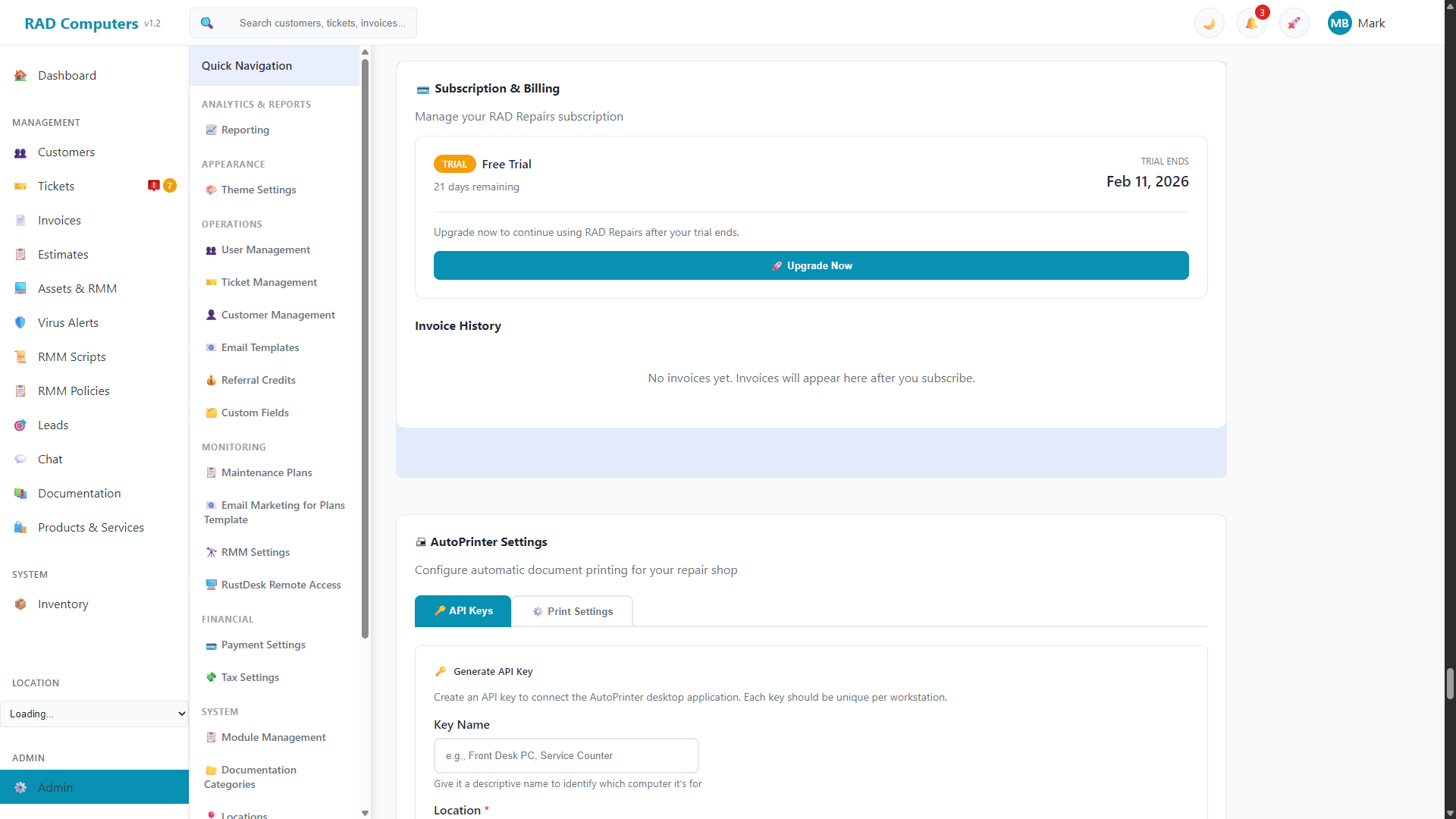
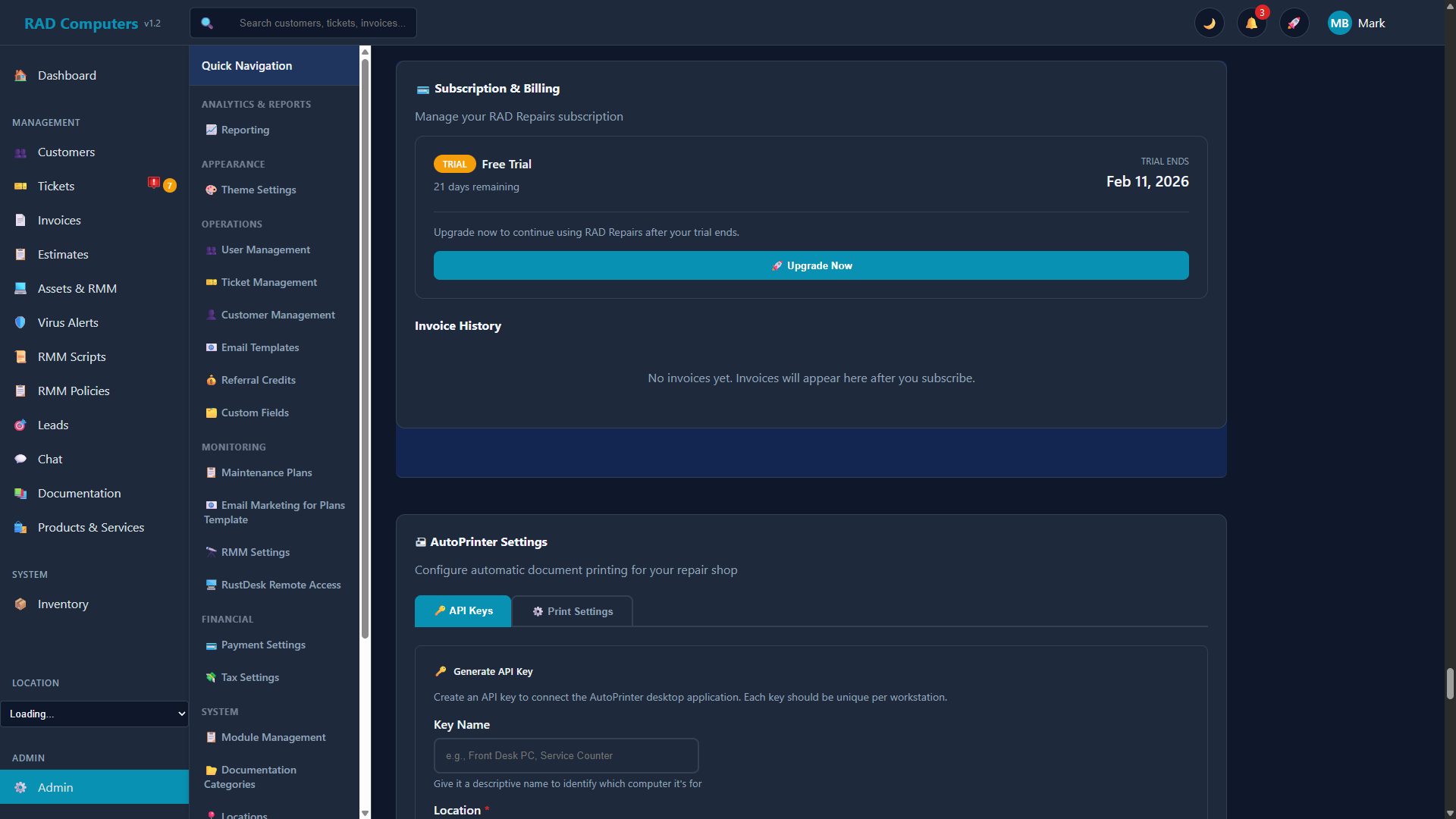
The Subscription & Billing panel allows you to manage your RAD Repairs subscription
Overview
The Subscription & Billing panel shows the current status of your RAD Repairs subscription and lets you subscribe, manage payment details, and view invoices. There is one plan: $125 per location per month, which includes unlimited users, all features, priority support, and API access.
Subscription Status
The status card at the top reflects where your account stands:
- Trial - Shows how many days remain and the date your trial ends, with a Subscribe Now button to subscribe before it expires.
- Trial Expired - Access to the app is locked and you are taken to the subscribe page until you subscribe. A Subscribe to Restore Access button starts checkout; full access is restored as soon as payment completes (or if the trial is extended).
- Active - Shows your plan, monthly price, and payment method on file, with buttons to Manage Subscription (opens the Stripe billing portal to update your card, view billing details, or cancel) and Change Plan (adjust your location count).
- Past Due - Your last payment failed. Use Update Payment Method to fix it in the Stripe billing portal and avoid service interruption.
Subscribing
Click Subscribe Now
From the status card, click Subscribe Now. The subscribe window shows the $125 per location / month pricing and what's included.
Choose Your Location Count
Enter your number of locations. The monthly total updates automatically ($125 × locations).
Complete Checkout
Click Subscribe Now and you'll be redirected to Stripe's secure checkout to enter payment details. When payment completes, your subscription is active immediately.
Invoice History
Below the status card, the Invoice History table lists your subscription invoices with date, invoice number, amount, and status. Invoices appear here after you subscribe.
Note: This panel manages your own RAD Repairs subscription. Invoicing your customers is handled on the Invoices page, and customer maintenance-plan billing under Maintenance Plans.
Need Help with Billing?
If you have questions about your subscription, billing, or need assistance with payments, our support team is here to help.
Contact Support