Maintenance Plans
Configure your RMM membership plan tiers - names, pricing, colors, and included features - plus automatic recurring-invoice billing, email marketing, and a website embed widget.
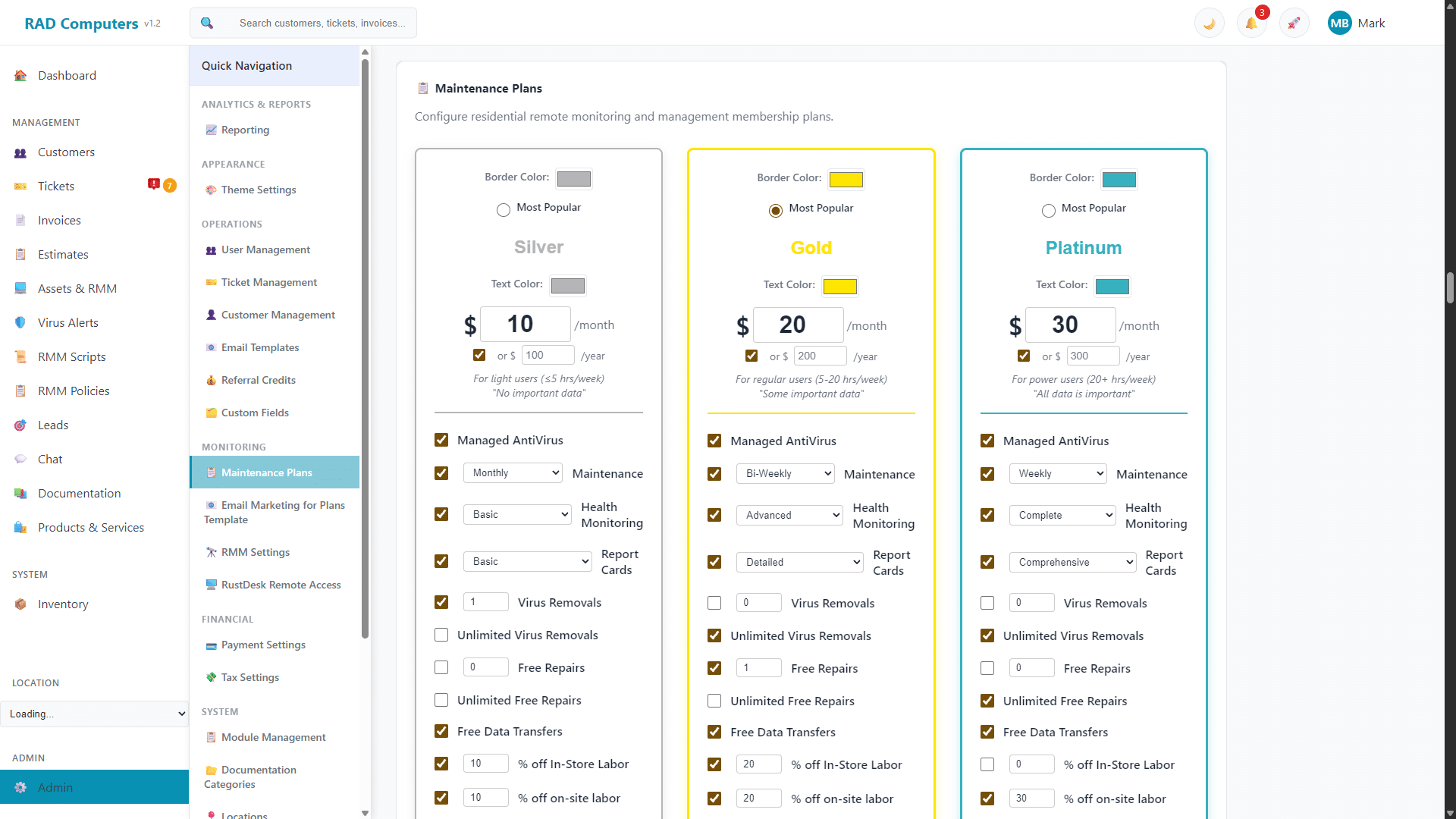
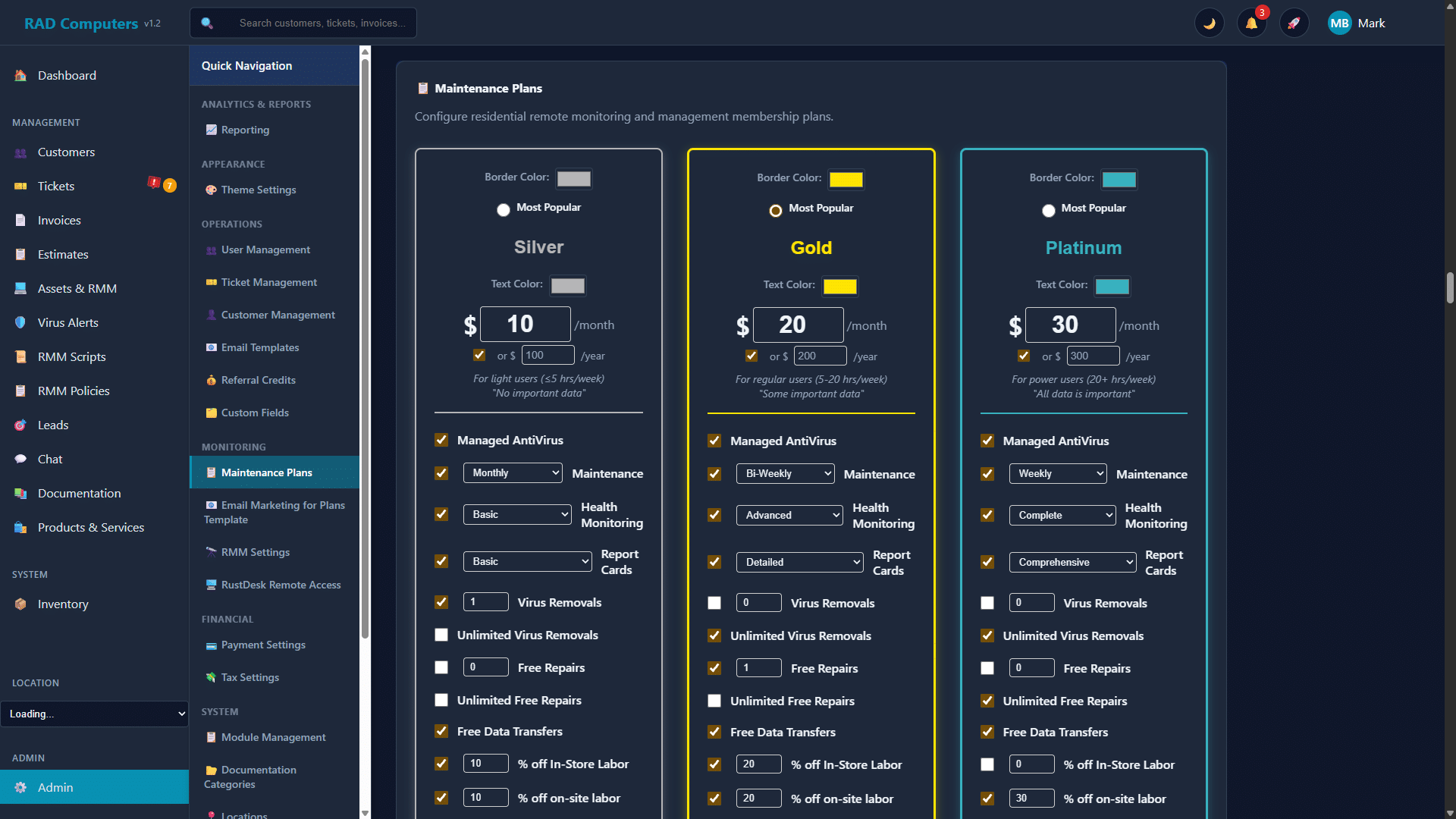
The Maintenance Plans page lets you customize your plan tiers, pricing, and included features
Overview
Maintenance Plans are configured on their own page (App Center → Maintenance Plans). The page has four tabs:
- Plan Configuration - Customize your Bronze, Silver, and Gold plan tiers
- Email Marketing - Automated plan marketing and billing emails (see Email Marketing for Plans)
- Website Embed - Put a plans widget on your own website
- Billing Settings - Control automatic recurring-invoice billing for plan assets
There are four plan tiers in total: Calling Card (the free, basic monitoring tier) plus the three paid tiers Bronze, Silver, and Gold. Every tier's display name can be customized - if you prefer "Home", "Pro", and "Ultimate", just type new names on the plan cards.
Plan Configuration
Each paid plan is shown as an editable card. For each plan you can set:
- Plan name - Click the name on the card and type your own (the defaults are Bronze, Silver, and Gold)
- Pricing - A monthly price, and an optional yearly price
- Appearance - Border color and text color, plus a "Most Popular" badge you can assign to one plan
- Included features - Toggle and tune what each tier includes: managed antivirus, maintenance frequency (weekly, bi-weekly, or monthly), health monitoring level, report cards, virus removals (a set number or unlimited), free repairs, free data transfers, percentage discounts on in-store and on-site labor, optional cloud backup and disk imaging, registry backups, patching level, and priority diagnostics/repair service
Below the plan cards, the Assigned Maintenance Scripts section shows which scripts run for each tier (scripts are assigned in RMM Scripts). Each plan's maintenance frequency controls how often its scripts run on enrolled assets.
Default plan: New monitored assets are enrolled in the default plan type chosen in RMM Settings (Calling Card by default). You pick the plan when generating an installer for a customer.
Billing Settings
When an asset enrolls in a paid plan, RAD Repairs automatically creates a recurring invoice for the customer. The Billing Settings tab controls this behavior:
- Default Billing Day - The day of the month new recurring invoices bill on (1st through 28th, or the last day of the month). This can be overridden per recurring invoice.
- Auto-Archive Offline Assets - Optionally archive plan assets (Bronze/Silver/Gold) that have been offline longer than a set number of days. Archived assets are removed from billing. Assets on custom RMM policies are not affected.
- Overdue Payment Reminders - Send automatic email reminders when recurring invoice payments are overdue: choose how many days after the due date the first reminder goes out and how often it repeats. Reminders use the "Recurring Payment Overdue" email template.
Website Embed
The Website Embed tab generates a snippet of code you can paste into your own website to display your plans with live pricing. You can set the widget title and subtitle, copy the embed code, and check the live preview before publishing. Customers who sign up through the widget or portal download a customer-bound RMM installer.
Migrating from Syncro
The Plan Configuration tab also includes a Syncro → RAD Migration tool: generate a migration key, paste the provided PowerShell script into a Syncro Asset Policy, and your Syncro-managed machines silently install the RAD agent under the right customer and plan. A Recent Enrollments log shows each migrated asset and flags any that need attention.
Need Help with Maintenance Plans?
If you have questions about setting up maintenance plans or managed services, our support team is here to help.
Contact Support