System Settings
Back up and restore your configuration. The System Settings panel lets you export key settings to a file and import them later or into another account.
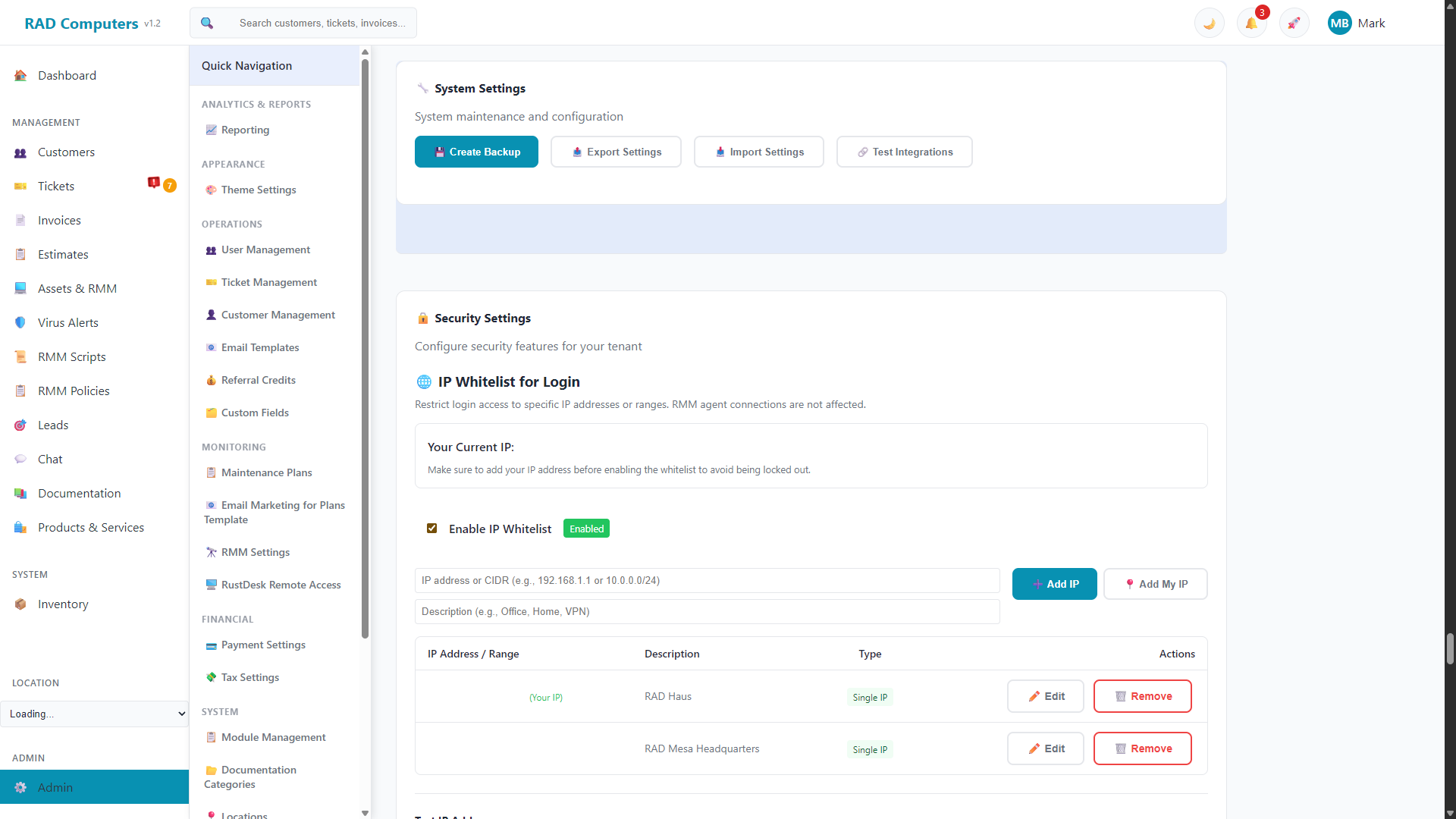
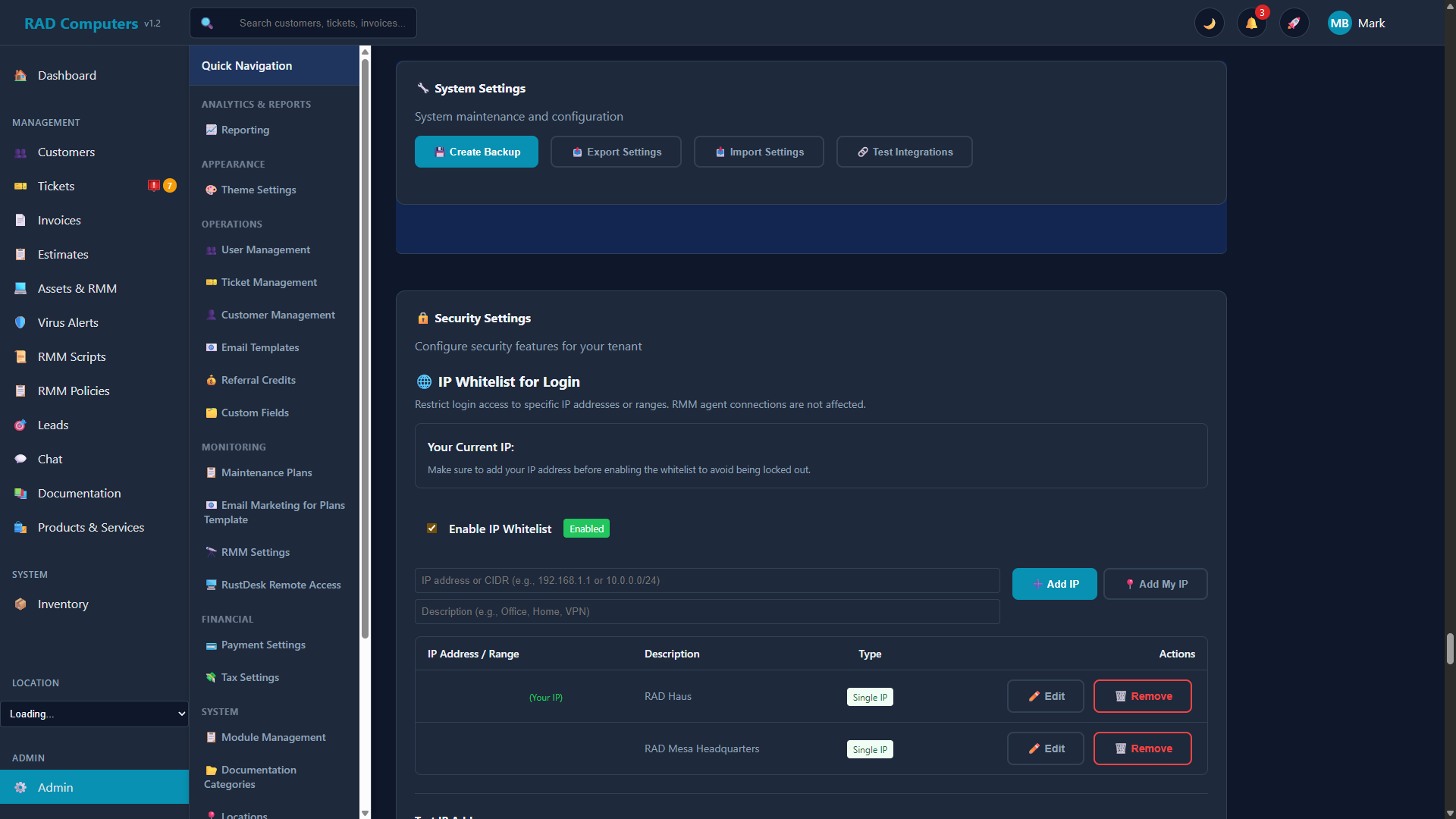
The System Settings panel provides settings export and import for backup and transfer
Overview
The System Settings panel provides Export Settings and Import Settings for backing up and restoring your configuration. The export is a JSON file containing:
- Module toggles - Your enabled/disabled modules from Module Management
- Referral credit settings - Your configuration from Referral Credits
- Email templates - Your customized templates from Email Templates
Email Shown on Documents
By default, the email address printed on your invoices, estimates, and ticket PDFs — and used as the contact address in customer emails — is your main business email. If you'd rather show a dedicated address (for example billing@yourshop.com), enter it in the Email Shown on Documents field and Save.
- Leave it blank to keep using your main business email.
- System alerts always go to your main business email regardless of this setting.
Staff Notifications
Get an email to your shop when something needs your attention. This is separate from the emails your customers receive — it's an internal heads-up for your team.
You'll be notified when:
- A customer replies to a ticket, invoice, or estimate.
- A new lead comes in — from an inbound email or your website contact form.
Settings
| Setting | What it does |
|---|---|
| Send staff notification emails | Master on/off switch for all staff notifications. |
| Notification email | Where alerts are sent. Leave blank to use your main business email. |
| When a customer replies… | Toggle notifications for replies to tickets, invoices, and estimates. |
| When a new lead comes in | Toggle notifications for new leads (email and website form). |
Tip: If a busy shop finds new-lead alerts too frequent, turn off the new-lead toggle and keep reply notifications on — you'll still hear when an existing conversation needs a response. Discovery is otherwise pull-based: the Leads and Communications pages always show what came in.
Exporting Settings
Click Export Settings to download a JSON file of the settings above. Keep it as a backup, or use it to transfer your configuration to another account.
Importing Settings
Click Import Settings, confirm the prompt, and choose a previously exported JSON file. Importing overwrites your current configuration for those settings, so export a fresh backup first if you might want to revert.
Looking for other settings? Company branding (logo, favicon, colors) is under Theme Settings; business locations under Locations; payment processing under Payment Settings; and taxes under Tax Settings.
Need Help with System Settings?
If you have questions about configuring system settings or need assistance, our support team is here to help.
Contact Support