Module Management
Enable or disable application modules to customize RAD Repairs for your specific workflow. Simplify your interface by hiding features you do not use.
Module Management Panel
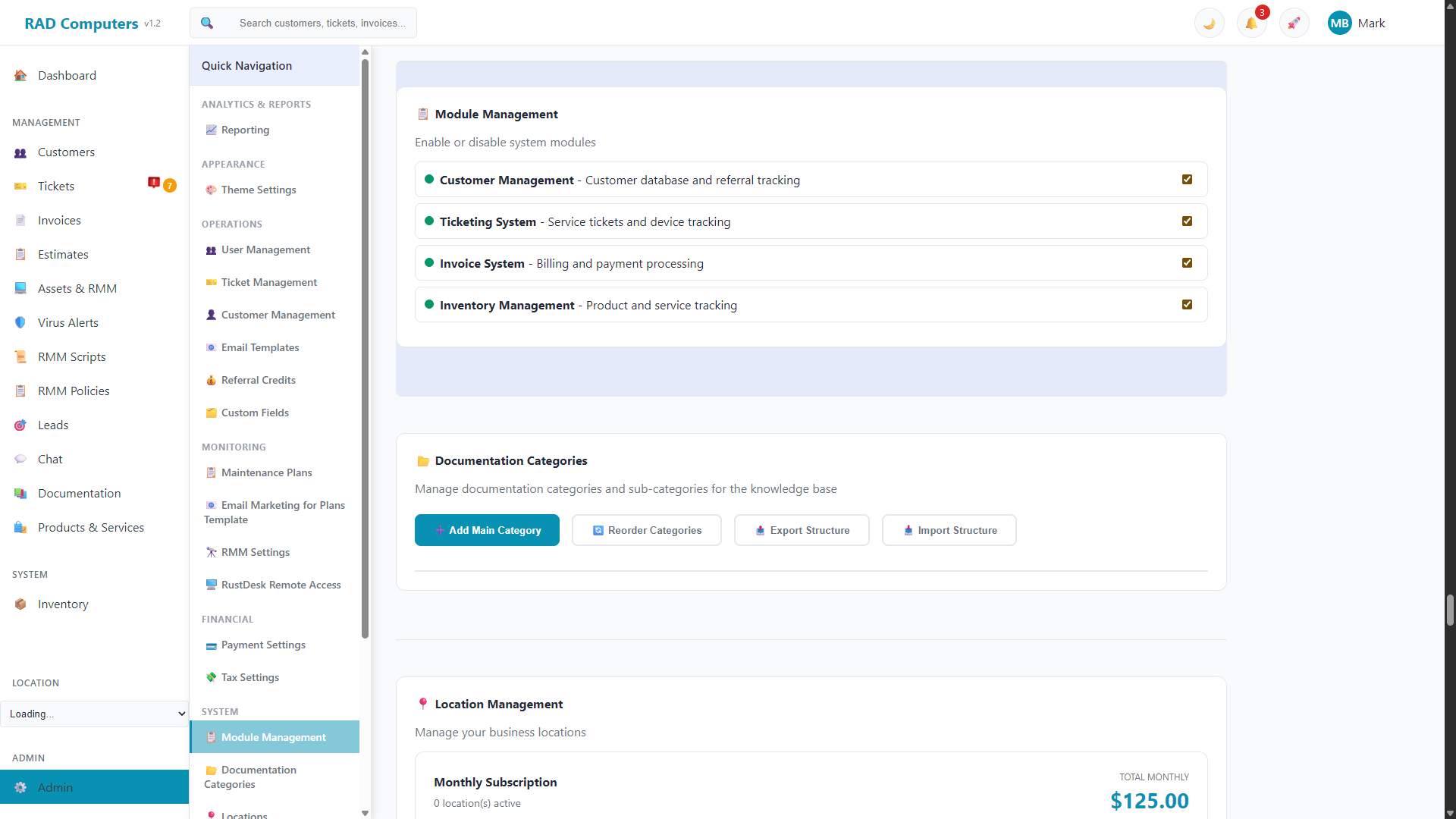
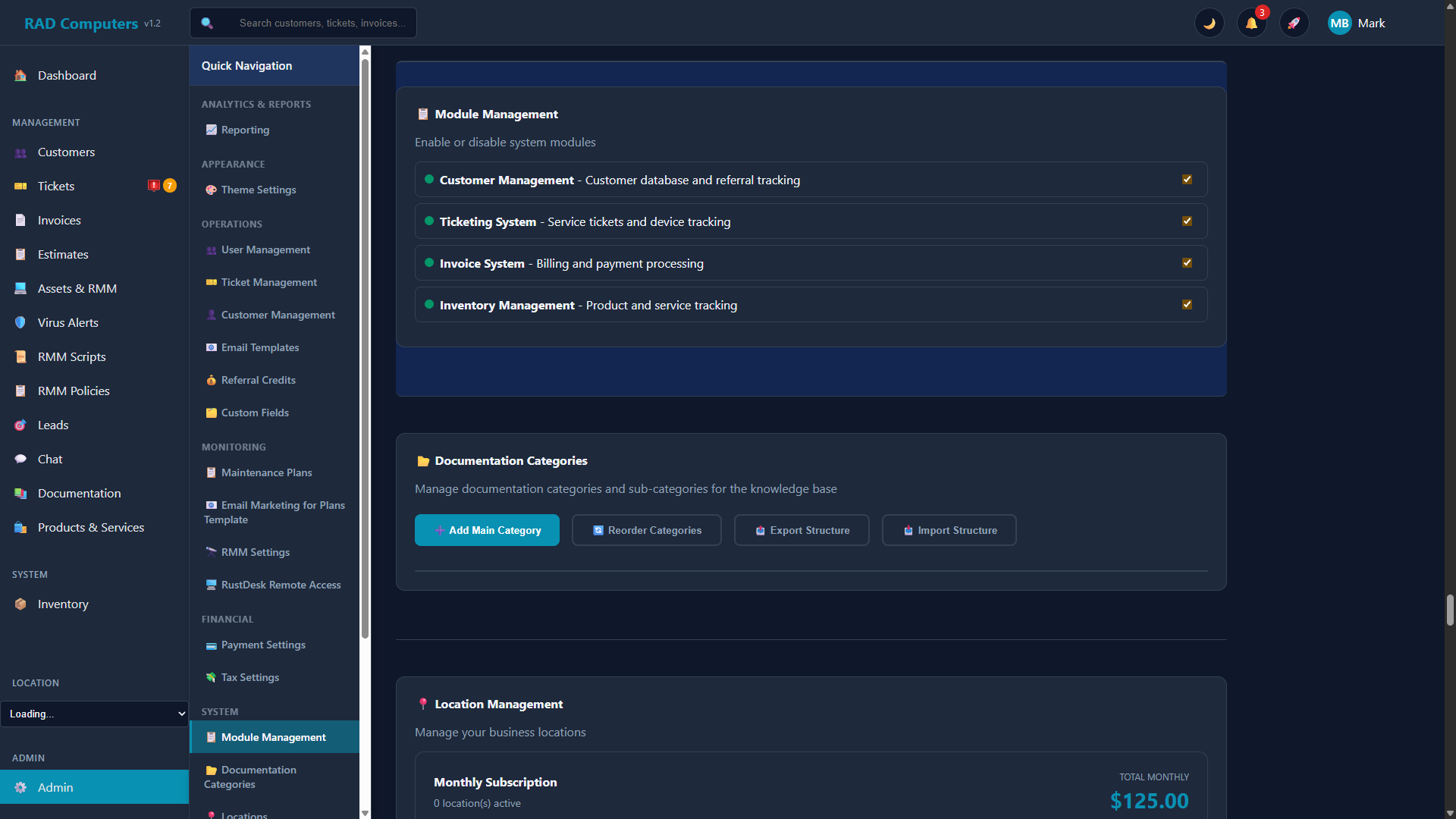
The Module Management panel allows you to enable or disable application features
Overview
The Module Management panel lets you enable or disable the main system modules with simple on/off toggles. Changes are saved automatically as soon as you flip a toggle - look for the "Auto-saved" indicator in the corner of the panel.
Available Modules
- Customer Management - Customer database and referral tracking
- Leads - Lead capture and follow-up
- Chat - Website and customer chat
- Communications - Email log
- Ticketing System - Service tickets, projects, and parts ordering
- Invoice System - Billing and payment processing
- Estimates - Quotes and approvals
- Scheduler - Appointments and calendar
- RMM Suite - One switch for the remote-monitoring stack: Assets & RMM, Virus Alerts, RMM Scripts, RMM Policies, Remediation, and Patch Management. Turn it off if your shop doesn't offer managed services.
- Automations - Webhooks and event-driven actions. Separate from RMM because automations also fire on non-RMM events (like a customer being added).
- Reports - The reporting dashboard
- Documentation - Internal knowledge base
- Products & Services - Catalog management
- Inventory Management - Product and service tracking
Dashboard, App Center, and Admin always stay visible.
How It Works
- Instant toggles - Each module has a checkbox with a status indicator. Turning a module off hides its features from the navigation menu.
- Auto-save - Module settings are saved to your account automatically; there is no separate save button.
- Data preservation - Disabling a module hides it from the interface but does not delete any existing data. Re-enable the module at any time to get everything back.
Tip: Module toggles are included when you use System Settings Export/Import, so you can back them up or copy them to another account.
Need Help with Module Management?
If you have questions about configuring modules or need assistance, our support team is here to help.
Contact Support