Email Marketing for Plans
Configure automated emails that promote your maintenance plans to customers and keep plan members informed about payment issues and expirations.
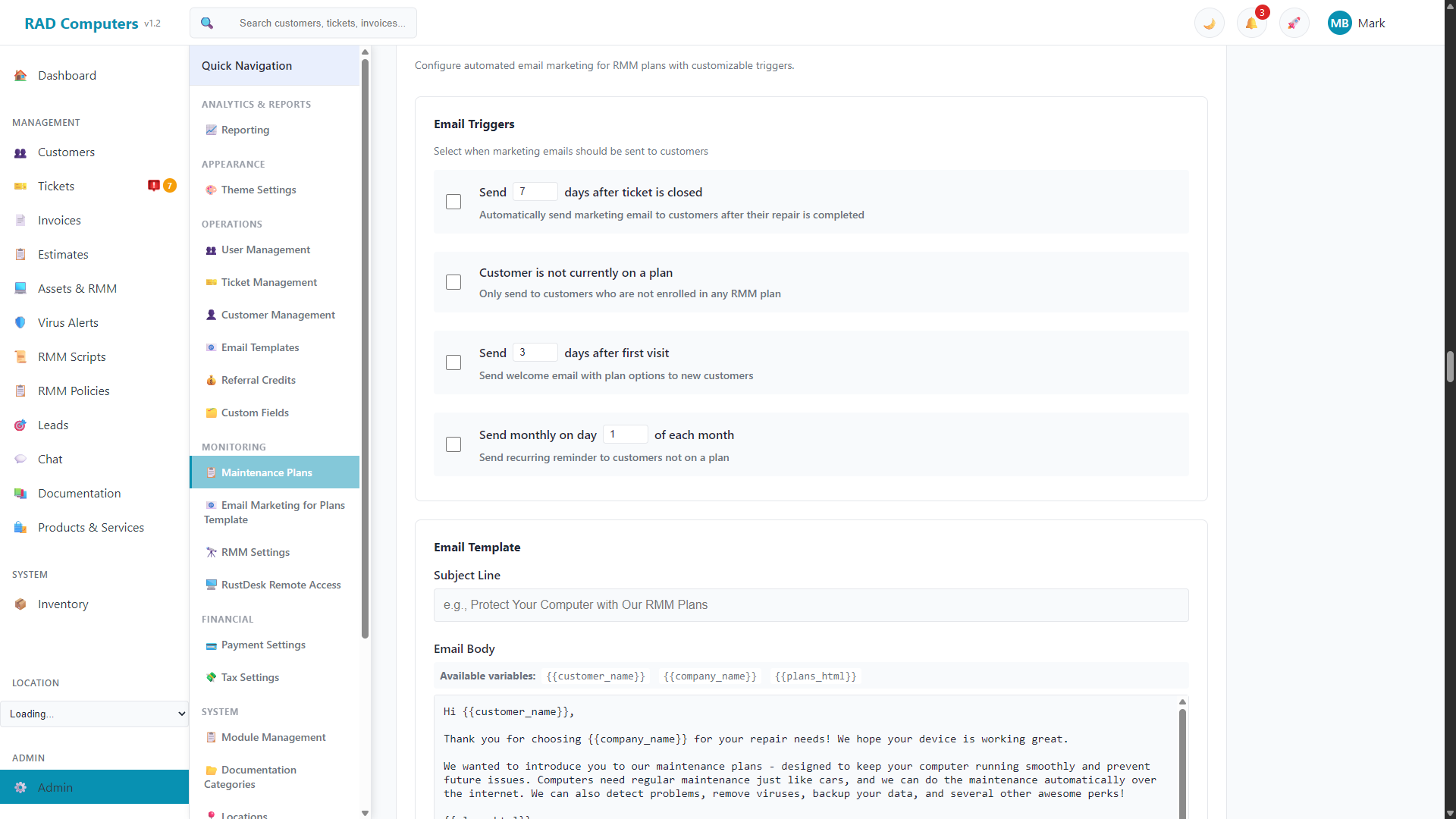
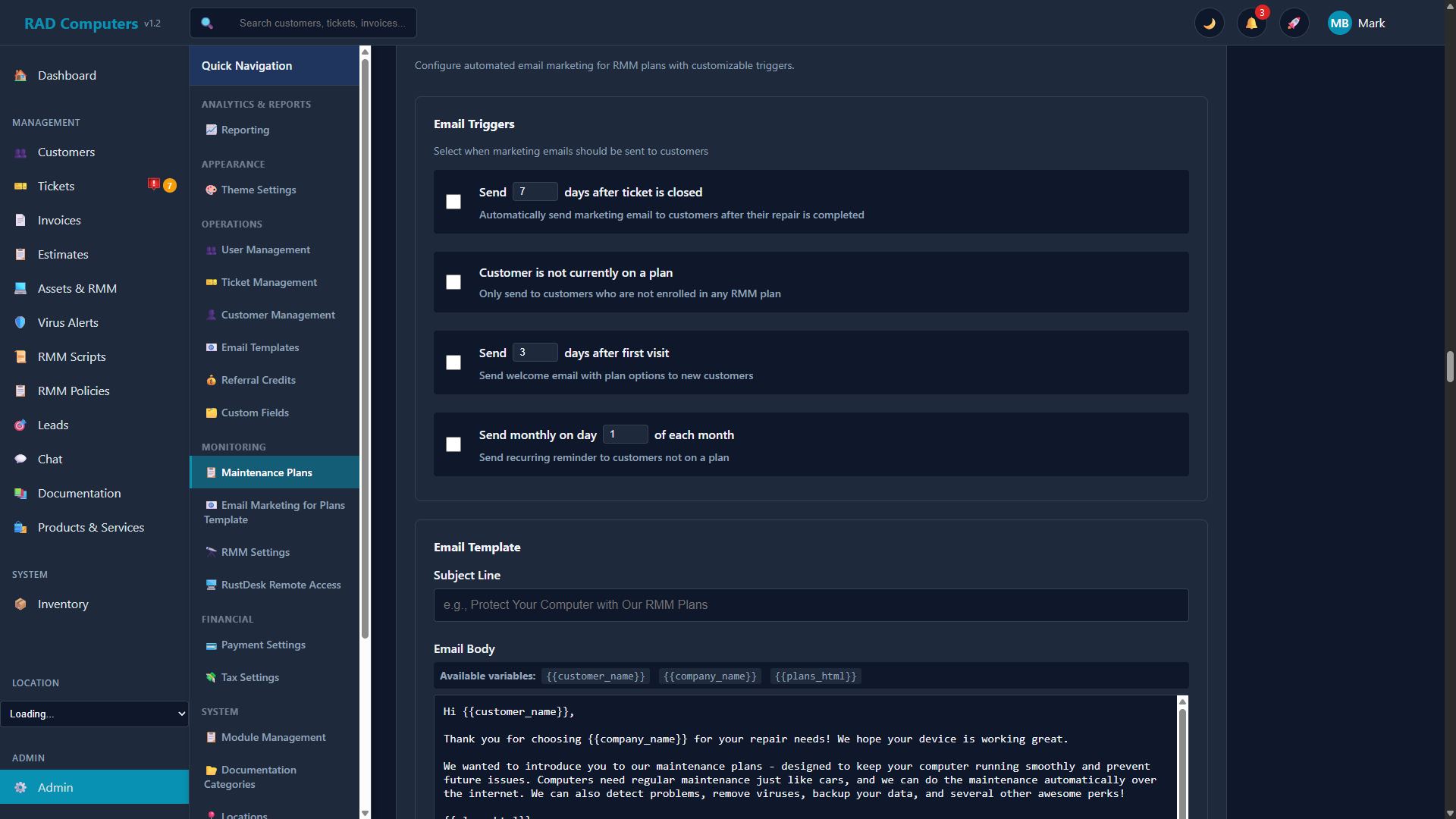
The Email Marketing for Plans panel allows you to create and manage marketing email templates for your service plans
Overview
Email marketing for plans is configured on the Maintenance Plans page (App Center → Maintenance Plans → Email Marketing tab). It has three sections: Marketing, Payment Warning, and Plan Expired. All emails support template variables so each message is personalized, and each editor shows a live preview as you type.
Marketing Emails
Marketing emails promote your plans to customers who are not yet enrolled. You choose when they are sent:
- After a ticket is closed - Send a set number of days after a customer's repair is completed
- Customer is not currently on a plan - Only send to customers who are not enrolled in any plan
- After a customer's first visit - Send a welcome email with plan options a set number of days after their first visit
- Monthly reminder - Send a recurring email on a chosen day of each month to customers not on a plan
The marketing template supports the variables {{customer_name}}, {{company_name}}, and {{plans_html}}. The {{plans_html}} variable inserts a formatted comparison of your plans, using the names, prices, and colors from your plan configuration.
Payment Warning Emails
Sent automatically when a plan member's recurring payment fails. Options include:
- Enable or disable payment warning emails
- Send a grace period reminder
- Set how many days before the automatic downgrade the warning goes out
- Include a payment link so the customer can pay right from the email
Template variables: {{customer_name}}, {{company_name}}, {{plan_name}}, {{device_name}}, {{invoice_number}}, {{amount_due}}, {{due_date}}, {{days_until_downgrade}}, and {{payment_link}}.
Plan Expired Emails
Sent when a plan expires due to non-payment. Options include:
- Enable or disable expiration emails
- Include reactivation information and a payment link
- Send an optional follow-up email a set number of days after expiration
Template variables: {{customer_name}}, {{company_name}}, {{plan_name}}, {{device_name}}, and {{payment_link}}.
Note: These emails are delivered through your configured email provider (Mailgun). Make sure email sending is set up under Email Templates before enabling automated marketing.
Need Help with Email Marketing?
If you have questions about setting up email marketing campaigns for your maintenance plans, our support team is here to help.
Contact Support