Reporting
Generate business reports and performance analytics for your repair shop directly from Admin Settings, with on-screen previews and PDF downloads.
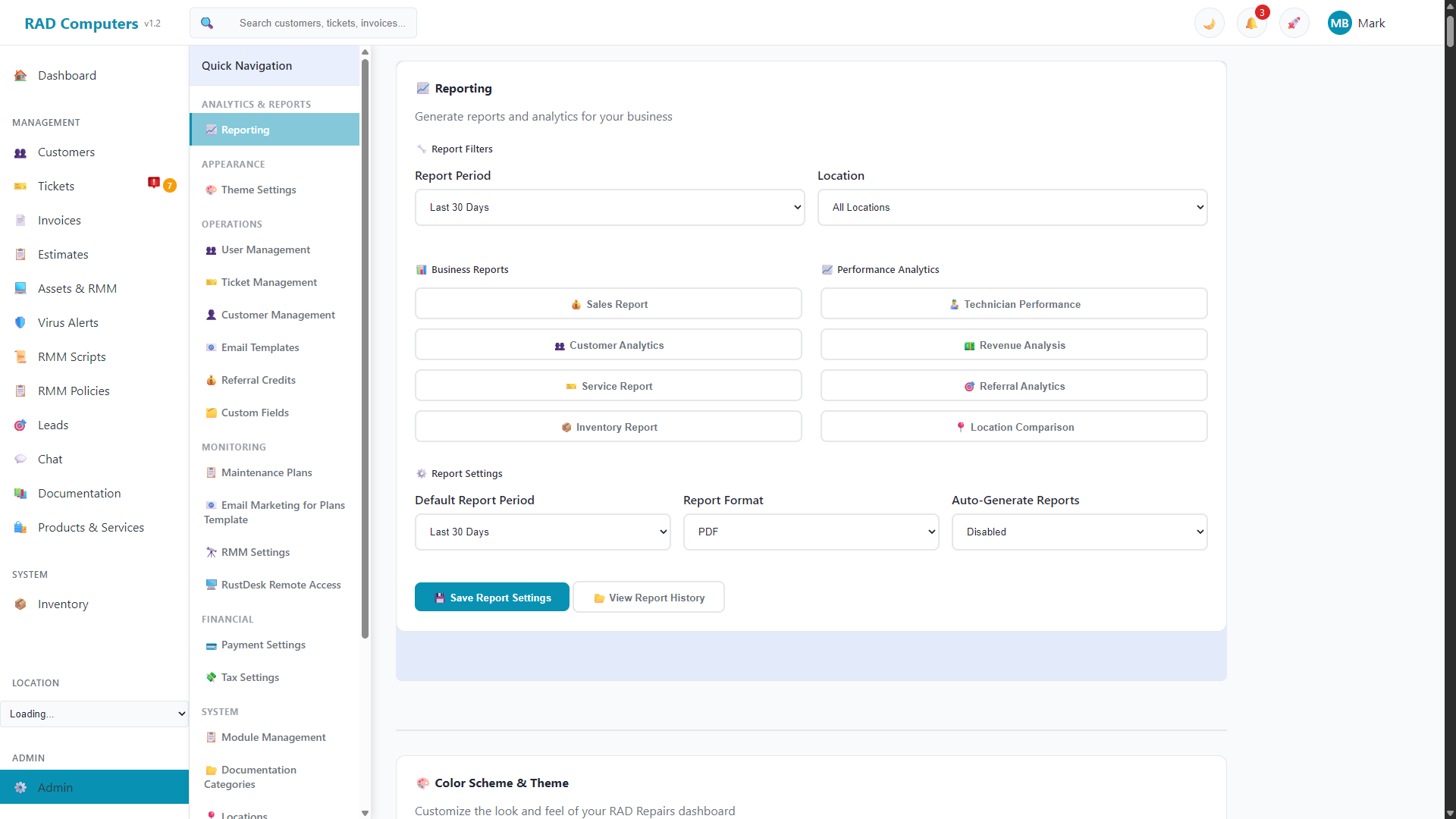
The Reporting panel generates business reports with on-screen previews and PDF downloads
Overview
The Reporting panel in Admin Settings generates ready-made business reports from your live data. Set your filters at the top, click a report, review the on-screen preview, and download it as a PDF.
Report Filters
Set these before running a report - they apply to every report you generate:
- Report Period - Last 7 days, last 30 days, last 90 days, or last year
- Location - All locations, or a single location
- Customer - Type to search and pick one customer to scope the report to. Applies to the Sales, Service, Revenue, and Technician reports (both preview and PDF); leave blank for all customers
Available Reports
Business Reports
- Sales Report - Sales activity over the selected period
- Customer Analytics - Customer trends and activity
- Service Report - Ticket and service performance
- Inventory Report - Product and stock overview
Performance Analytics
- Technician Performance - Work completed by each technician
- Revenue Analysis - Revenue breakdown over the period
- Referral Analytics - Where your customers come from
- Location Comparison - Compare performance across locations
Clicking a report opens a preview window with the results. Use the Download PDF button in the preview to save a copy.
Report Settings
The Report Settings area lets you choose a default report period so your preferred date range is pre-selected each time you visit the panel.
Looking for asset and RMM reports? Device-focused reports (asset audits, software inventory, missing patches, backup coverage, and more) live on the dedicated Reports page, which also includes a Report Builder with scheduled email delivery.
Need Help with Reporting?
If you have questions about configuring reports or need assistance with analytics, our support team is here to help.
Contact Support